How I Create Teacher Development Content That Empowers ICT Integration in the Classroom
In today’s rapidly evolving world, digital literacy is no longer a luxury—it’s a necessity. Yet for many teachers, especially in under‑resourced or rural schools, integrating ICT into everyday teaching can feel overwhelming. At Mokhudu Creations, my mission is to bridge that gap by designing teacher development content that is practical, accessible, and empowering.
Creating ICT‑focused professional development is more than producing tutorials or checklists. It’s about building confidence, shifting mindsets, and helping teachers see technology not as an extra burden, but as a powerful tool for transforming learning.
Here’s how I approach this work.
1. I Start With the Realities of the Classroom
Before creating any resource, I ground myself in the lived experiences of teachers:
- Limited devices
- Unstable connectivity
- Large classes
- Diverse learner needs
- Pressure to complete the curriculum
Understanding these realities ensures that every tool I design is practical, context‑sensitive, and usable immediately—even in low‑tech environments.
2. I Align With Curriculum and Teacher Needs
ICT integration is most effective when it supports curriculum delivery, not when it feels like an add‑on. I study CAPS requirements, identify digital opportunities within topics, and design content that helps teachers:
- Teach more efficiently
- Differentiate learning
- Assess creatively
- Engage learners actively
This alignment ensures that teachers see ICT as a partner in teaching, not a distraction.
3. I Break Down ICT Skills Into Simple, Actionable Steps
Many teachers want to use technology but don’t know where to begin. So I design content that:
- Uses clear, step‑by‑step instructions
- Includes screenshots or visuals where possible
- Offers examples from real classrooms
- Builds skills gradually
Whether it’s creating a digital quiz, using Moodle, designing H5P activities, or integrating multimedia into lessons, I make sure the learning journey feels achievable.
4. I Prioritise Tools That Are Free, Accessible, and Sustainable
Empowerment comes from independence. That’s why I focus on tools teachers can use without needing expensive licenses or advanced equipment:
- Moodle
- Google tools
- H5P
- PowerPoint
- Mobile‑friendly apps
- Offline‑capable platforms
Teachers should be able to continue using these tools long after the workshop ends.
5. I Design With Collaboration and Community in Mind
ICT integration grows stronger when teachers learn from one another. My development content encourages:
- Peer learning
- Sharing of digital resources
- Co‑creation of lessons
- Reflective discussions
- Professional learning communities
When teachers collaborate, confidence grows—and innovation follows.
6. I Test, Refine, and Improve Continuously
Every resource I create goes through cycles of:
- Testing in real classrooms
- Gathering teacher feedback
- Adjusting for clarity and relevance
- Adding new examples or features
This iterative process ensures that the content remains relevant, practical, and aligned with teachers’ evolving needs.
7. I Embed Empowerment, Not Just Instruction
My goal is not only to teach teachers how to use ICT, but to help them believe:
- “I can do this.”
- “Technology can make my teaching easier.”
- “I can create digital content myself.”
- “I am capable of leading digital transformation.”
Empowerment is the heart of every resource I create.
The Bigger Vision
ICT integration is not about devices—it’s about possibilities. When teachers feel confident using technology, they unlock new ways to:
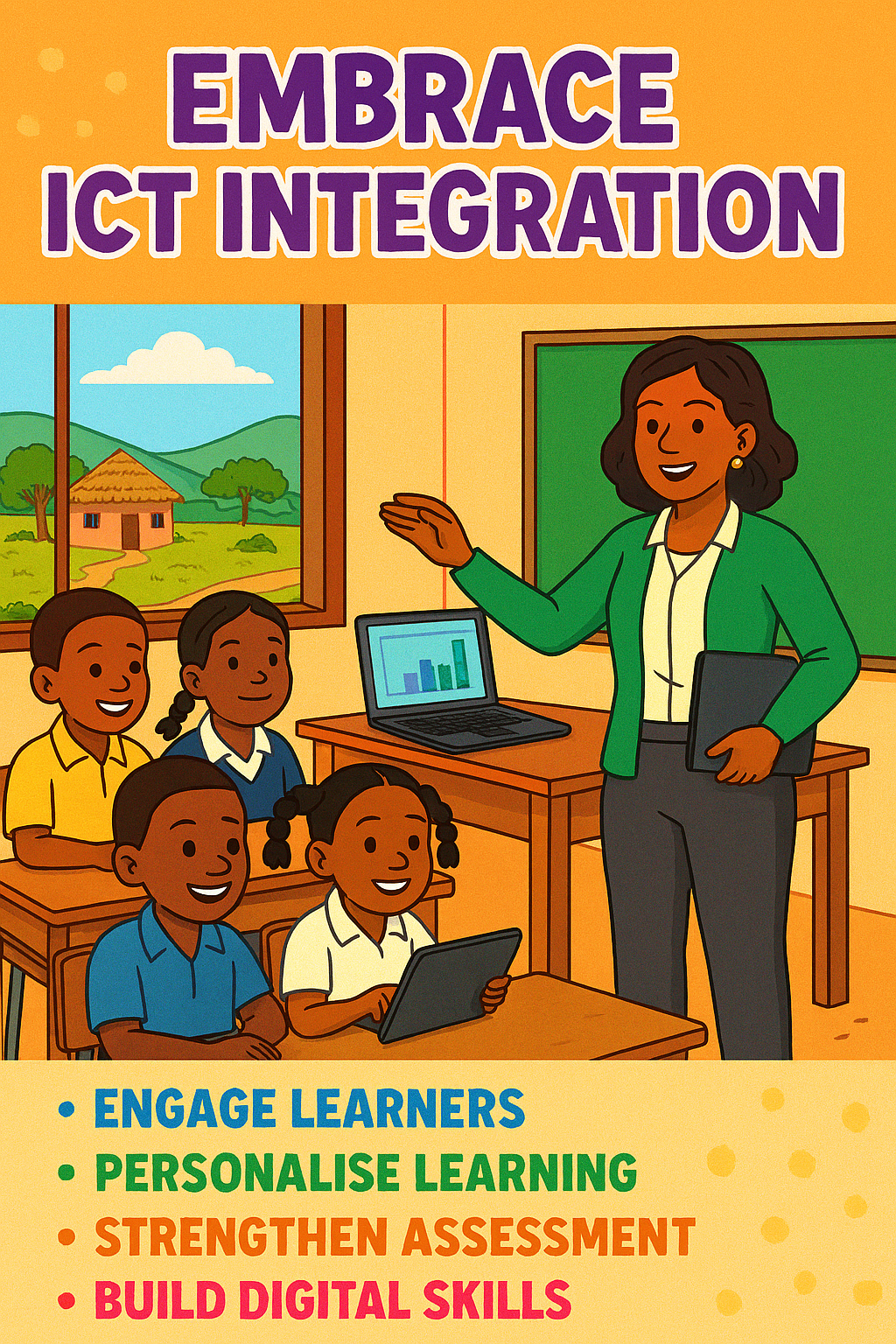
- Engage learners
- Personalise learning
- Strengthen assessment
- Build 21st‑century skills
- Prepare learners for a digital future
Through Mokhudu Creations, I am committed to supporting teachers on this journey—one resource, one workshop, one digital skill at a time.
Visit the teacher resource tab at the bottom to access learning material